Getting bold on social media — fast
AI-powered from upload to schedule — curate, caption, and create entire posts automatically, with full control whenever you want it.
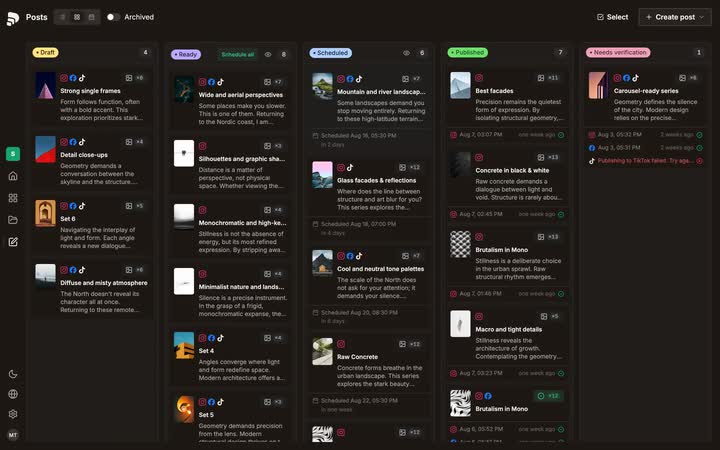
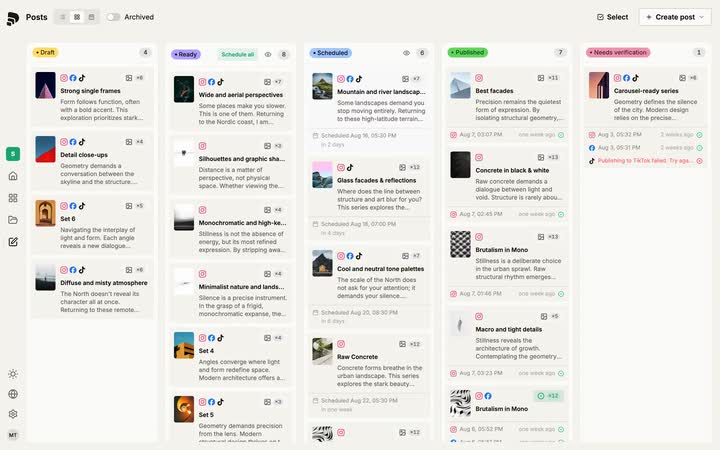
One plan, three views — board, week list, calendar. Open any post and see every channel it goes out on.
Hand a week of posts to one rule — cadence, how many a day, which hours. The calendar redraws as you turn it.
One wide photo, one portrait post. Split it across tiles, letterbox it, set the line — per channel, without leaving the composer.
Caption, hashtags and platform warnings side by side — one card per channel, written for you.
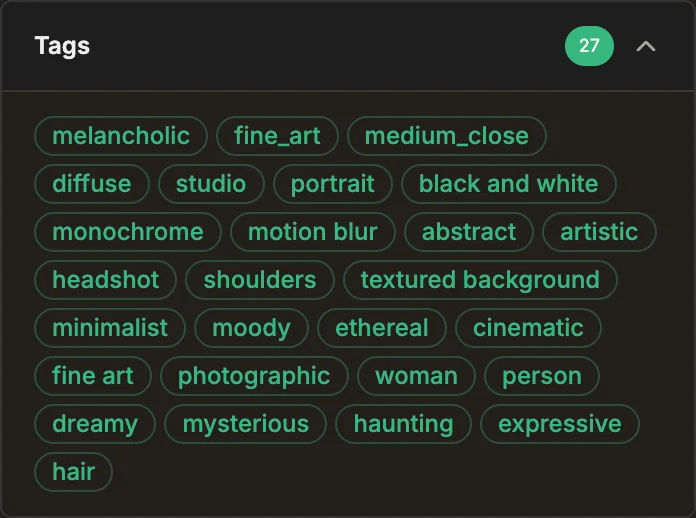
Your whole shoot, sorted. Folders, tags and descriptions come off the images themselves.
Who is Published made for?
Published starts where the work is already done — a full shoot, a finished project, a client’s next month. We help you get all of it online — without the pain.

Designers & illustrators
The work is done. It just sits in a folder.
Pull a finished project out of Eagle, group what belongs together, and post the work you already made.
- Eagle import plugin
- A project to draft posts
- Crops per platform
- Layouts & title cards
- Captions in your voice

Photographers
One shoot, weeks of feed.
Import straight from Lightroom, let the sets build themselves, and see every post before it goes live.
- Lightroom Classic plugin
- Photo set editor
- Platform framing editor
- Caption templates
- Feed preview

Studios & agencies
Several brands, one workflow.
Every client keeps its own look, its own voice and its own queue — without a second tool per account.
- Brand per client
- Own voice per brand
- Batch set generation
- Batch post generation
- Batch scheduling
How Published fills the gap between your work
and social media
One workspace for the whole stretch: bring the work in, pick what goes out, make it fit every platform — and hand over a month at once.
Bring the work in
The edit is done — hundreds of selects on a drive, and no plan for posting them. This is where the stretch to your feed begins.
Upload
A whole shoot in one drop.
Drop the whole shoot at once and keep working — everything your files know travels along.
- Whole folders at once
- Full resolution kept
- Capture time kept
- Folder context kept
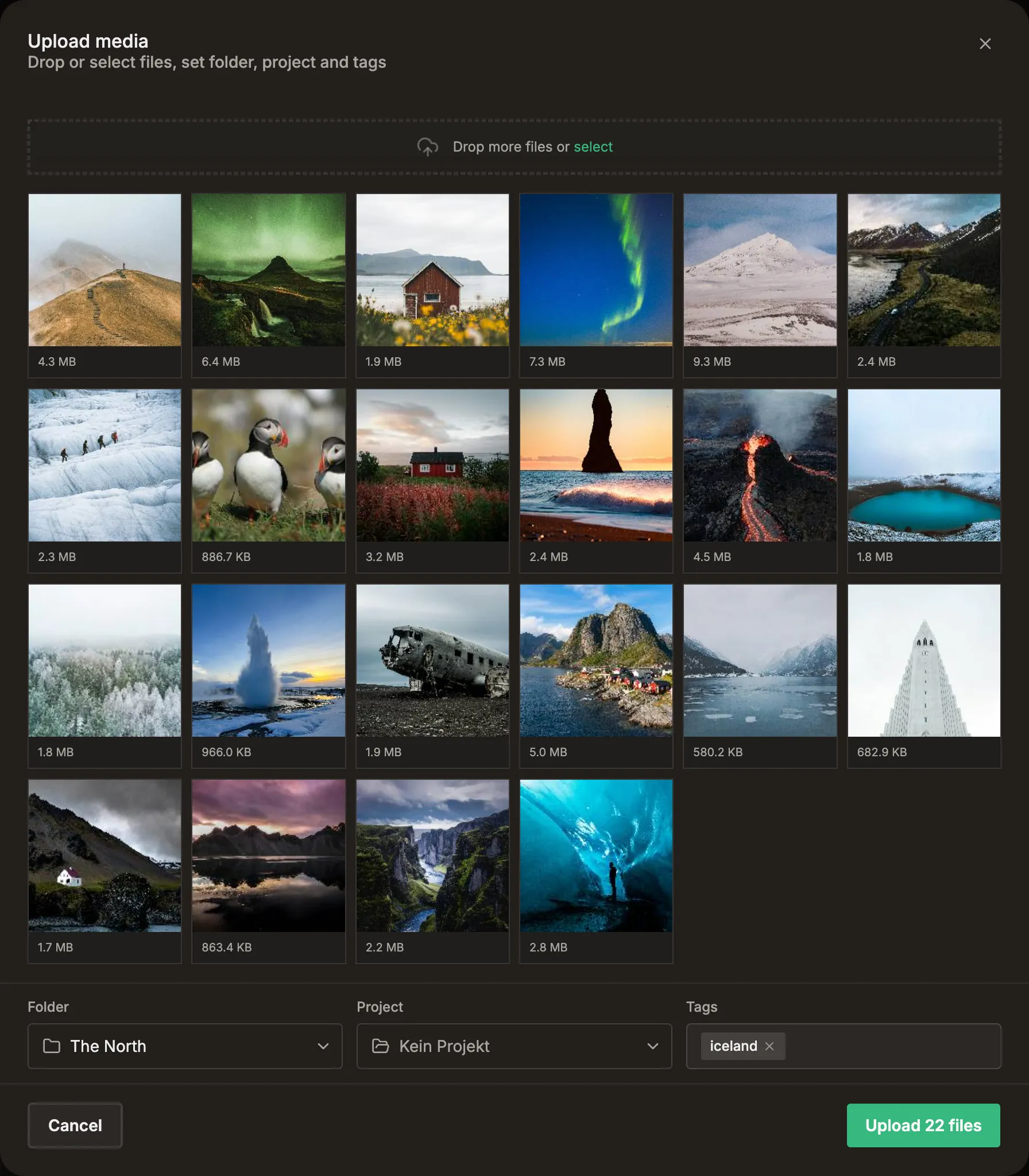
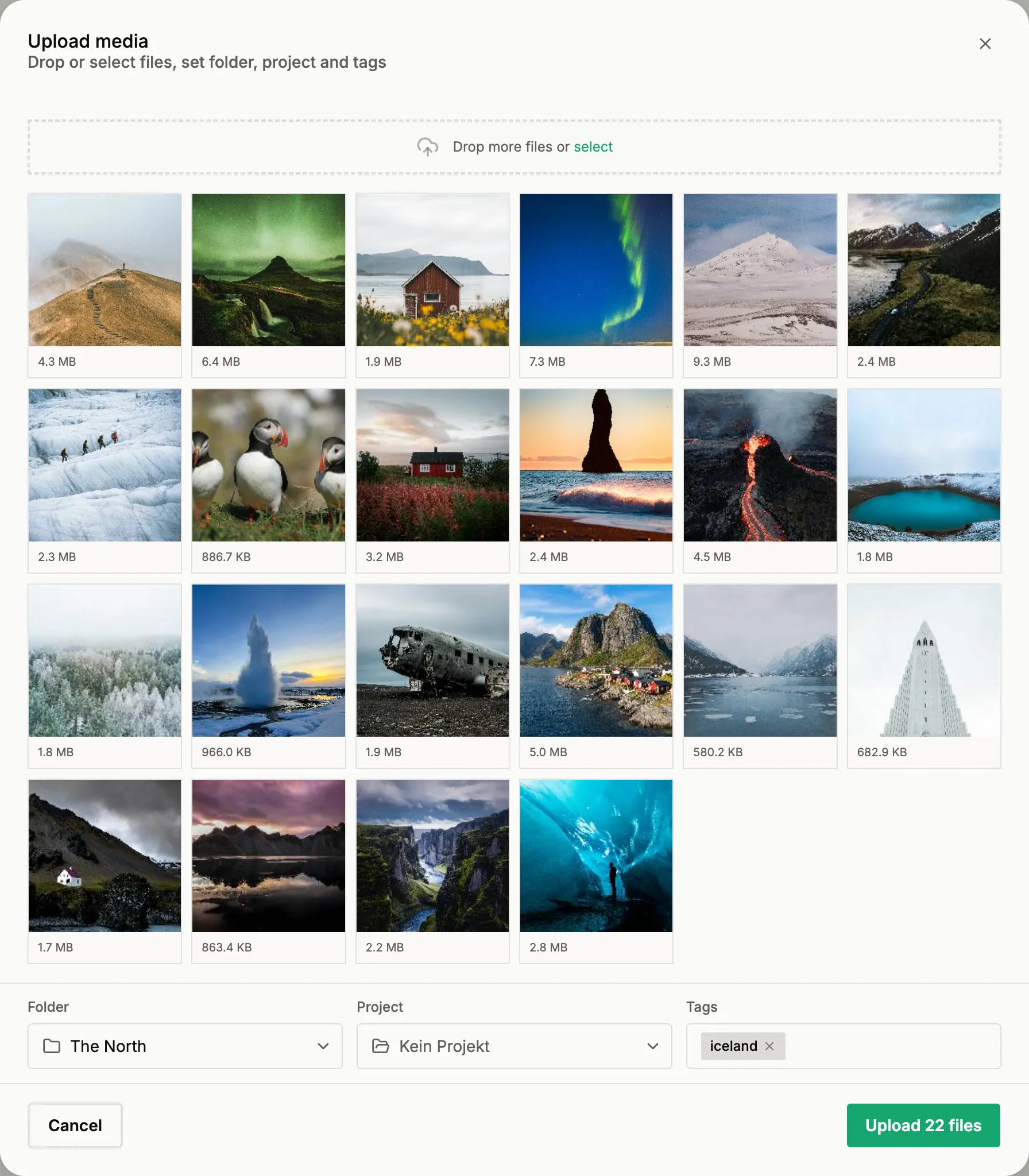
Plugins
Straight out of Lightroom and Eagle.
Send your selects from where you already edit them. No export folder, no upload detour.
 Lightroom Classic
 Eagle
Eagle
Find what belongs together
In the pile, the posts are already there — search the shoot, group frames into sets, keep the whole job in one project.
Search
Find the frame you mean.
Type what you remember — the search reads the picture, not the filename. Or point at one frame and it brings back the rest of that look.
- Search by meaning
- Find similar frames
- Best matches first
Find similar imagesAs image postAs storyAdd to setMove to folderLibrary
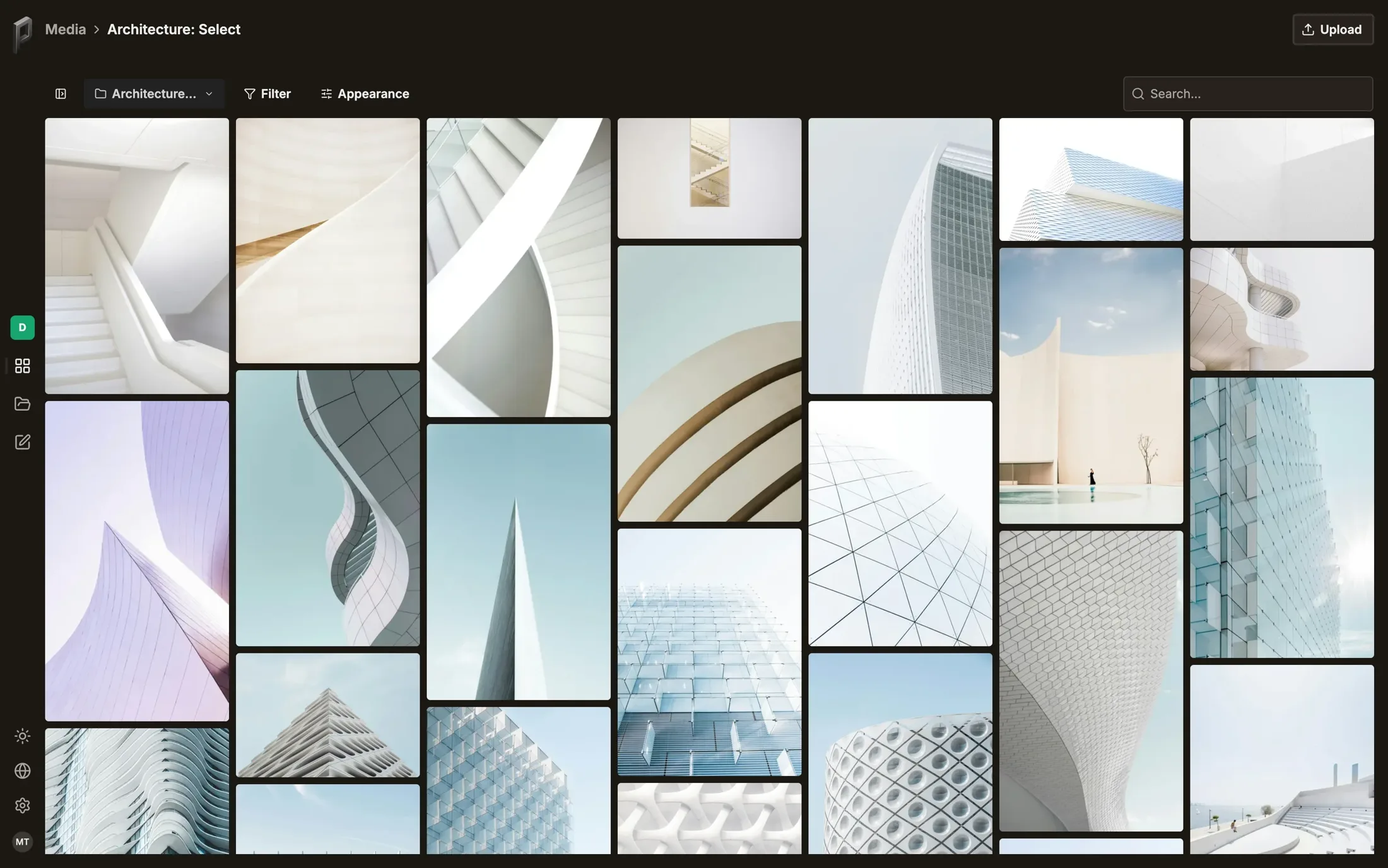
Your whole library, in order.
Folders for jobs, tags typed or suggested, filters that stack — the shoot lands sorted instead of dumped.
- Folders
- AI-suggested tags
- Stacking filters
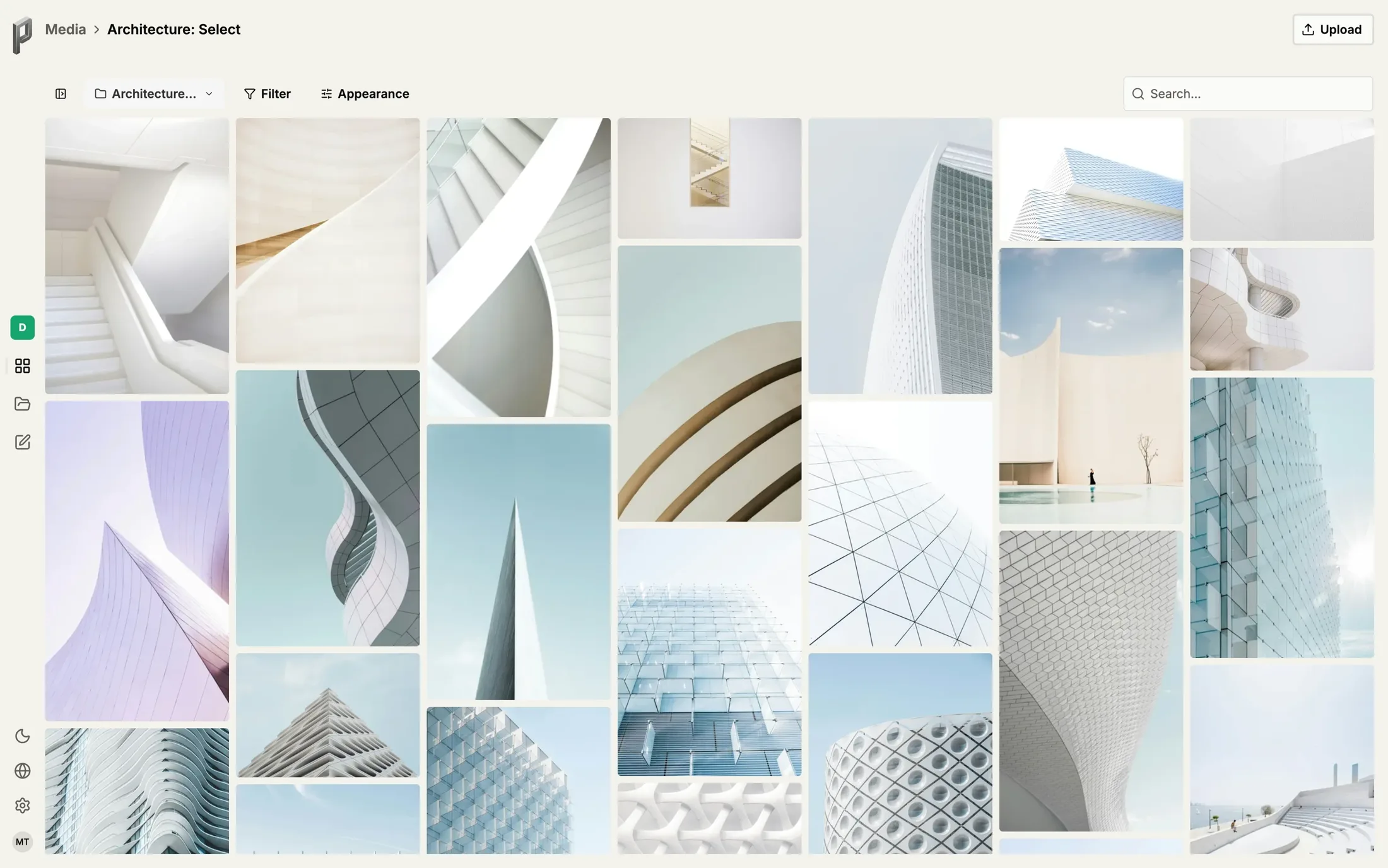
Set Editor
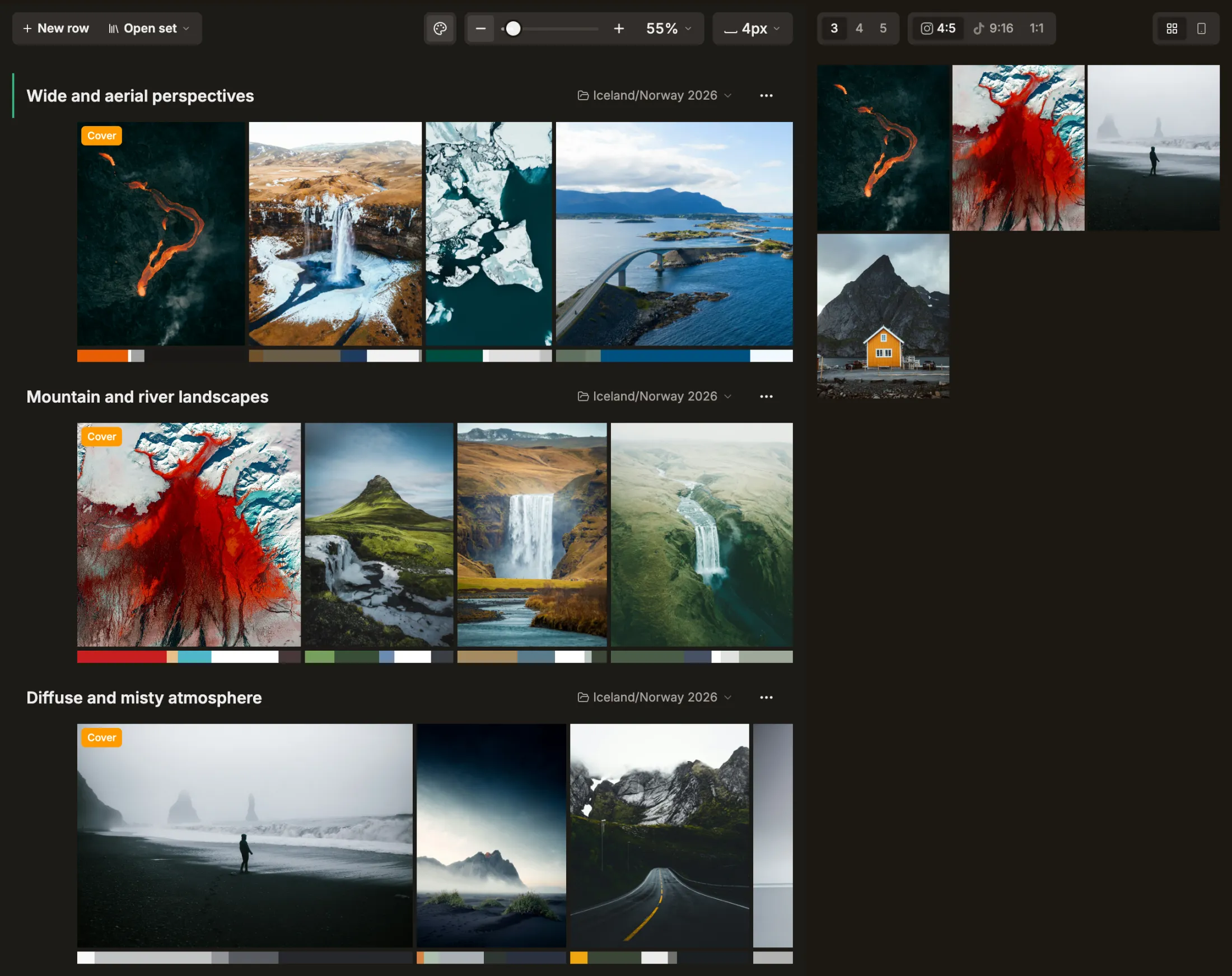
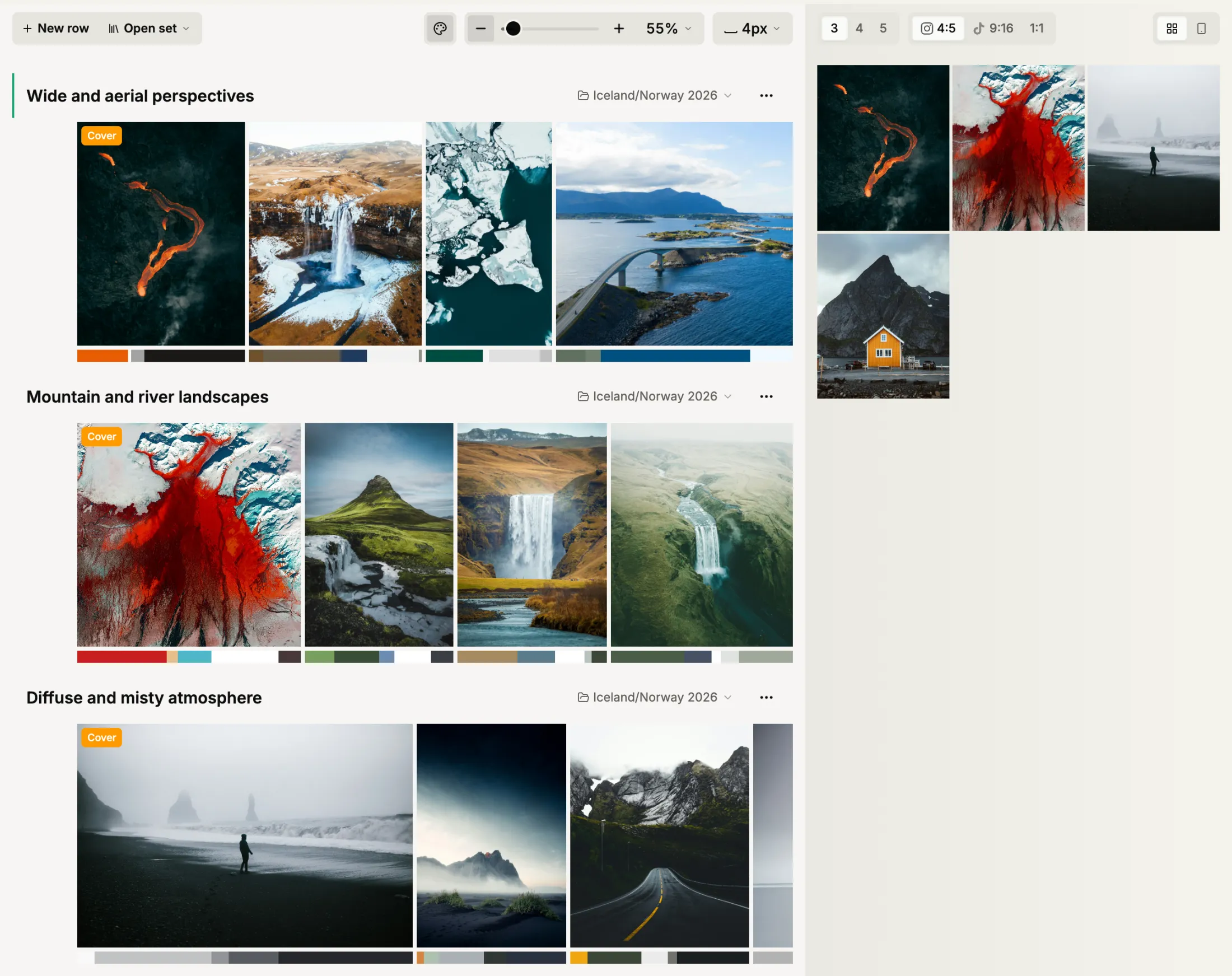
Curate your work.
Find the shots that belong together and lay them out as sets in the order they go out. Move a cover and you move the feed.
- Carousels in order
- Easy drag and drop
- Cover selection
- Feed-order preview
Projects
A whole job in one place.
Sets and loose selects for one job live side by side — from the first pick to the last scheduled post.
Project detail — sets and assets
Turn sets into posts
Sets become draft posts: captioned in your voice, framed for every format — as carousel or story series.
Caption Templates
For your niche and your voice.
Set them up once, and the captions read like you wrote them — not like a tool did.
Emotional Storytelling
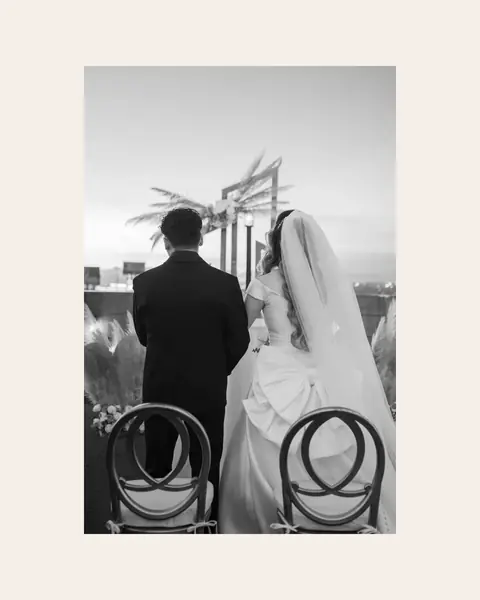
He held it together all the way through the vows. It was her laugh, halfway back down the aisle, that finally got him.
Wedding · MediumAdventure / Wanderlust
Four hours up in the dark for twenty minutes of light. The ridge tore open at exactly the moment the sun came over it.
Landscape · MediumDocumentary Observer
Same corner, same time, every Thursday. He has never once looked up.
Street · ShortShort & Witty
Chasing golden hour. The city held still just long enough.
General · Short
Post Generator
One briefing, platform-ready copy.
Give it a briefing and it writes captions, tags and alt text for every post — tailored to each platform, yours to review.
BriefingNordic coast series, calm and slow. Golden-hour mood, no hashtag walls, alt text on every image.
Tone: calmTemplate: StorytellingNo CTANo emojisGenerateInstagramGolden hour on the Nordic coast. Some places make you slower.
#nordiccoast#goldenhour#seascapeFraming Editor
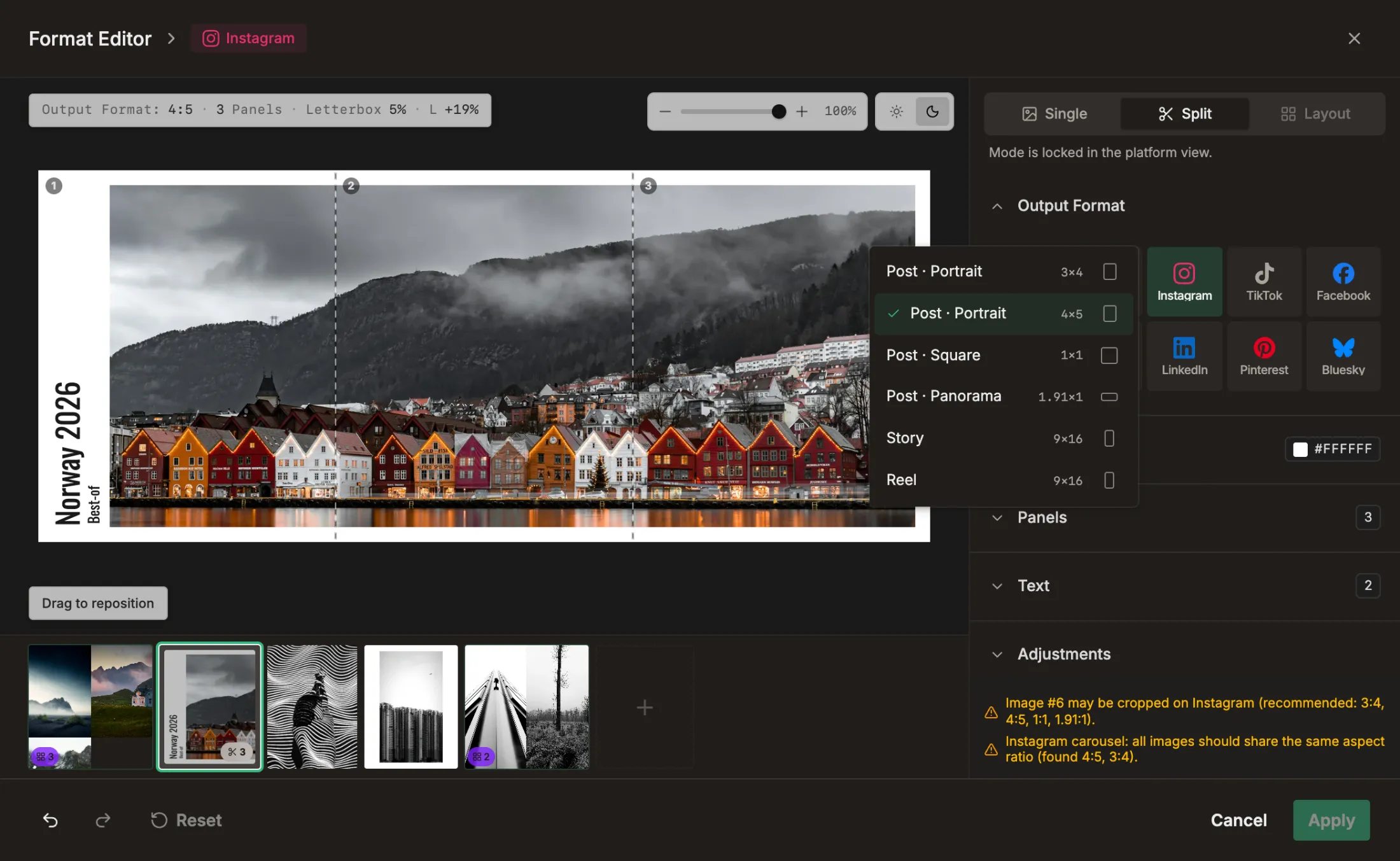
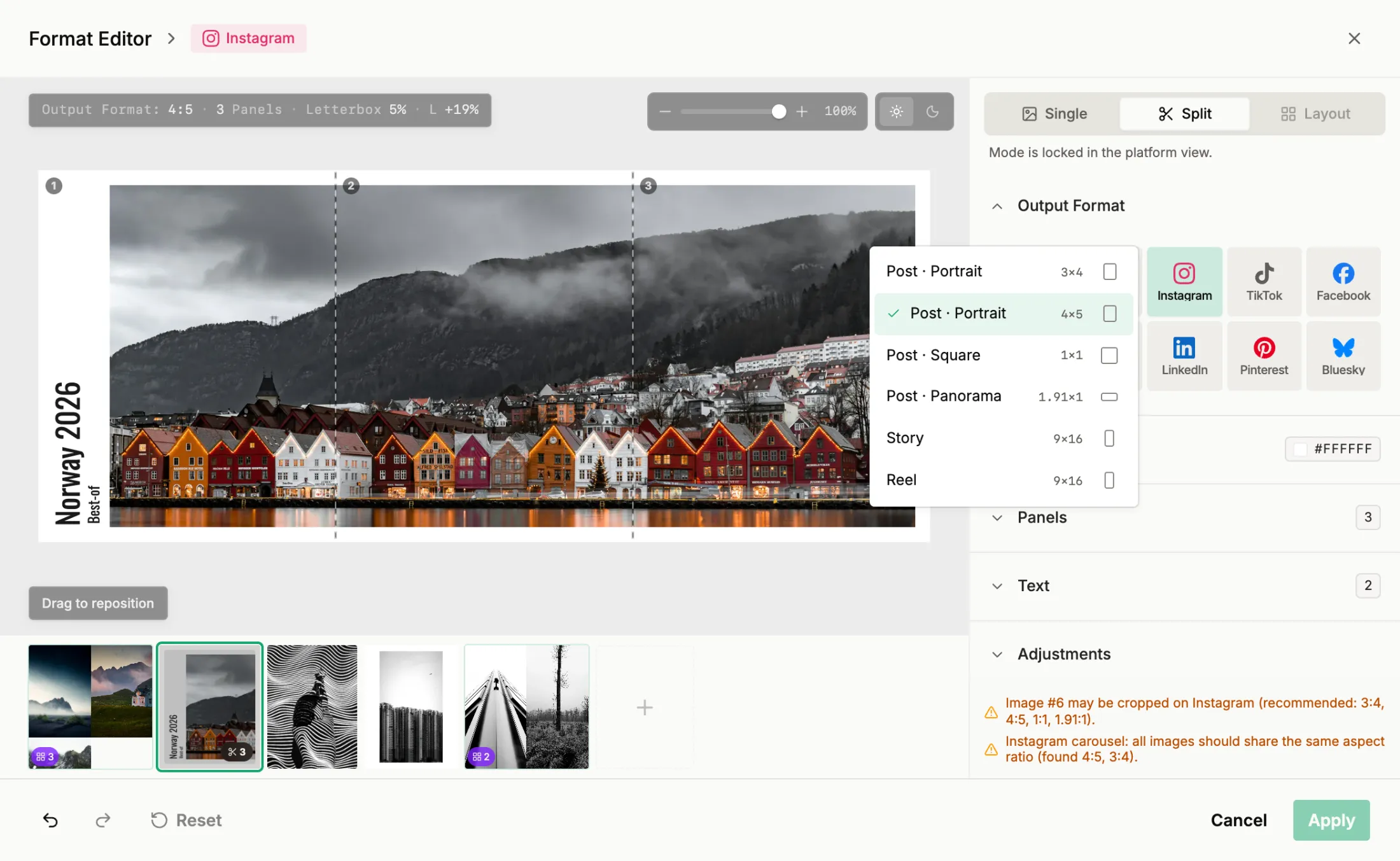
Prepare and adjust for specific platform requirements.
One image, every crop it needs — 4:5, 1:1, 9:16 — and your edit stays untouched. Frame it once, then apply the settings to every other image in the post.
- Letterbox framing
- Widescreen split across slides
- Different layouts
- All platform formats
- Copy & paste settings
- Text and title cards
Stories
The same set, told frame by frame.
Post a set as a story series on Instagram or Facebook — up to ten frames, published in order.
Story series — 9:16 frames in sequence
Hand over the month
Draft posts land on the calendar, previewed where they will appear — and the month is off your plate.
Draft Posts
A project becomes a month of posts.
One pass drafts a post from every set in a project — captioned, and waiting for your review instead of going live.
Draft posts fanning out of a projectBatch Scheduler
A month of posts in one sitting.
Drop draft posts onto the calendar, per brand and per platform, and schedule out the rest of the month at once instead of post by post.
Schedule all8 Tue 17:30Single frames
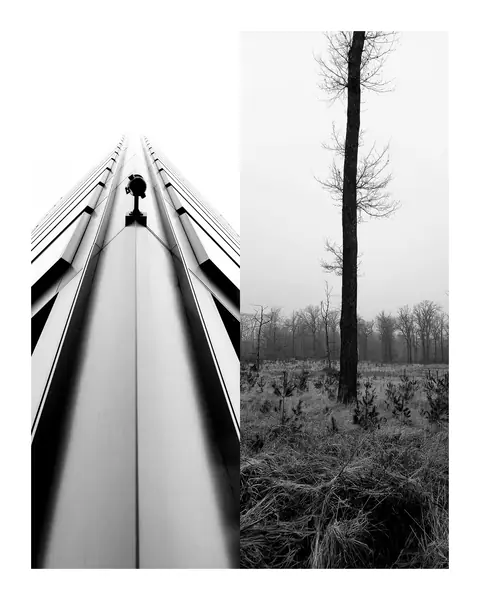
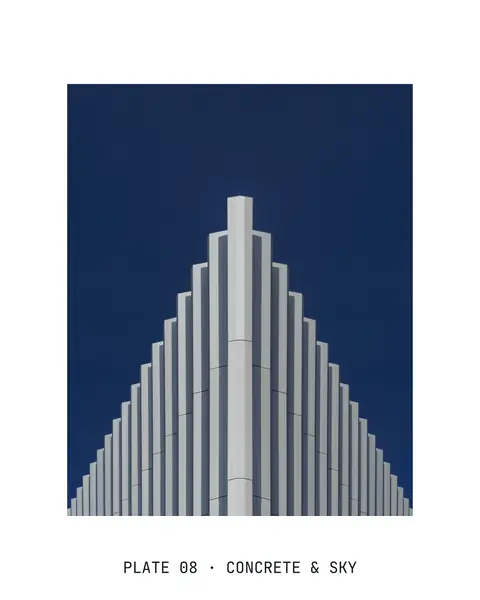
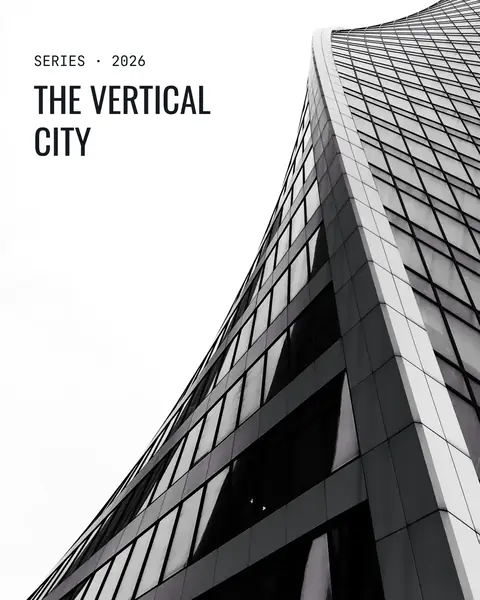
Form follows function, often with a bold accent. This exploration prioritizes stark geometry.
 Thu 19:00Detail close-ups
Geometry demands a conversation between the skyline and the structure.
 Sun 19:00Wide and aerial
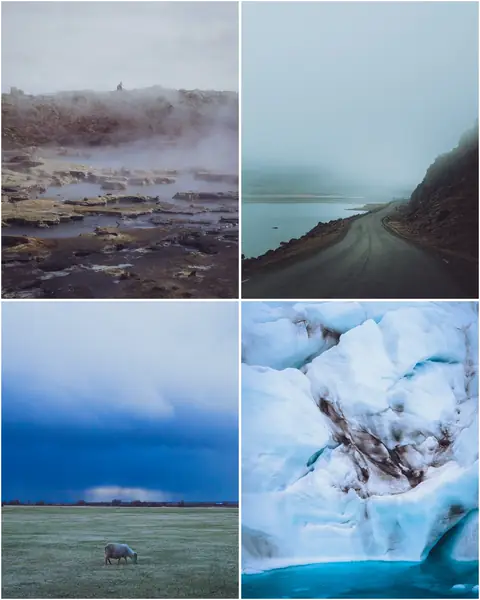
Some places make you slower. This is one of them, back on the Nordic coast.
Platform Preview
See it before it goes live.
Feed and grid previewed per platform — check every post where it will actually appear.
Profile grid preview in a phone frameCalendar, board & list
One plan, three views.
The same month as a calendar, a board or a list — plan in whichever view matches how you work.
Posting month — calendar view
Out it goes — approved by you, post by post.
How AI can assist and help you
AI takes the busywork — sorting, drafting captions, filling the calendar. The creative calls stay yours: every suggestion waits for your approval.
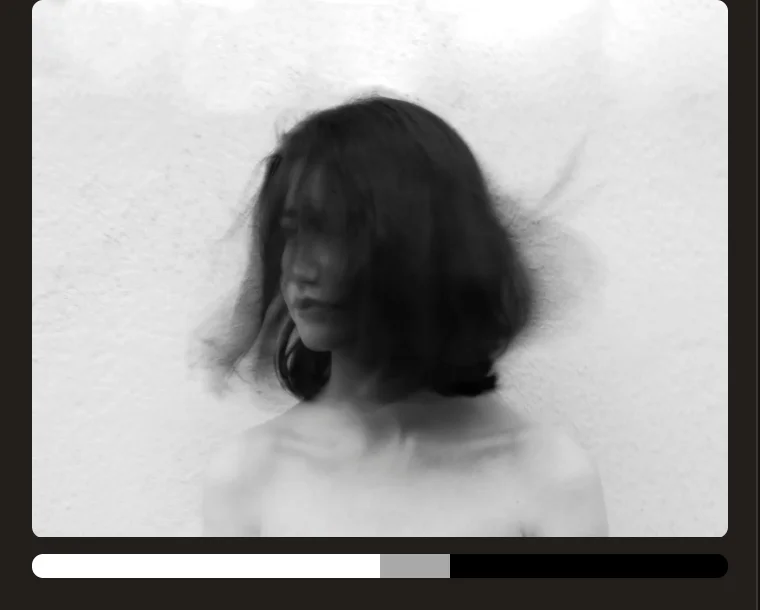
Auto tagging & description
AI automatically assigns rich tags and descriptions to every shot — mood, subject, style and more, instantly searchable with zero manual tagging.
Real posts, straight out of the editor
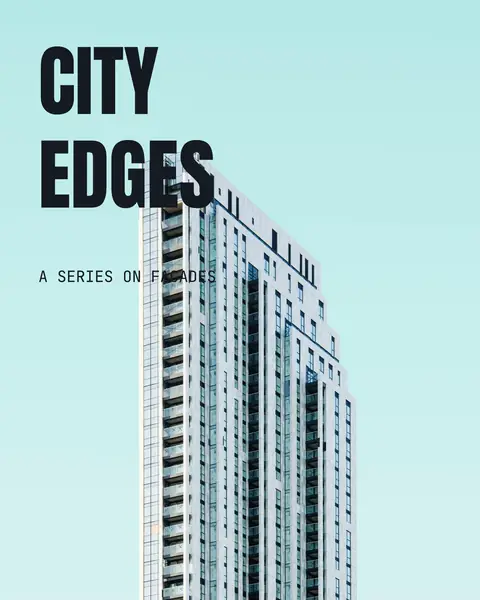
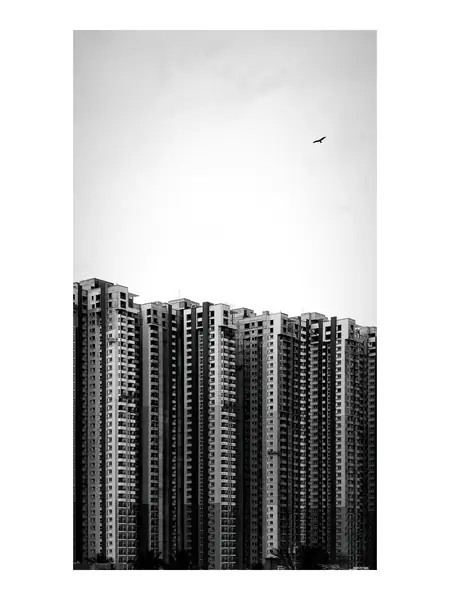
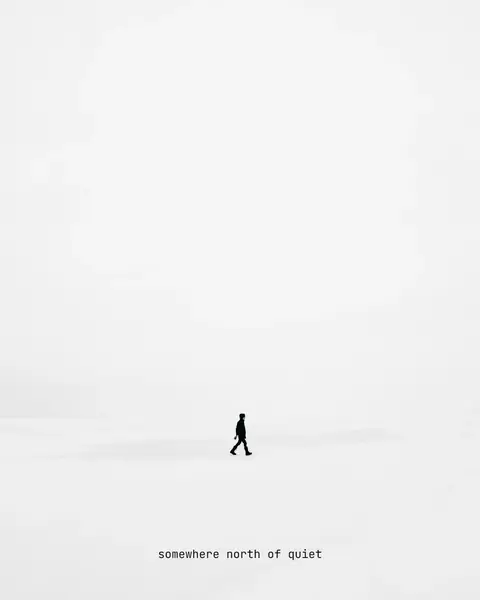
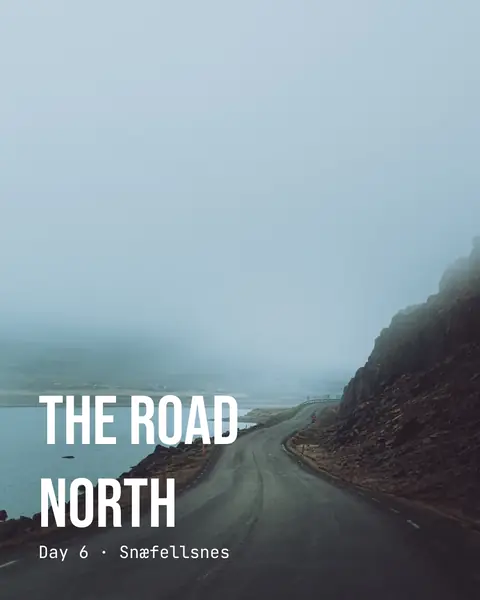
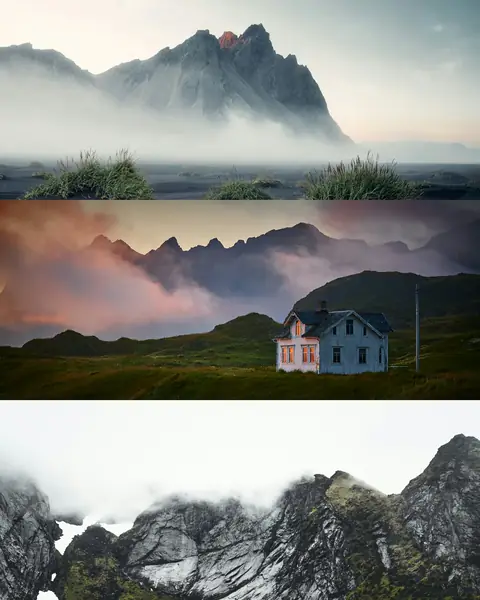
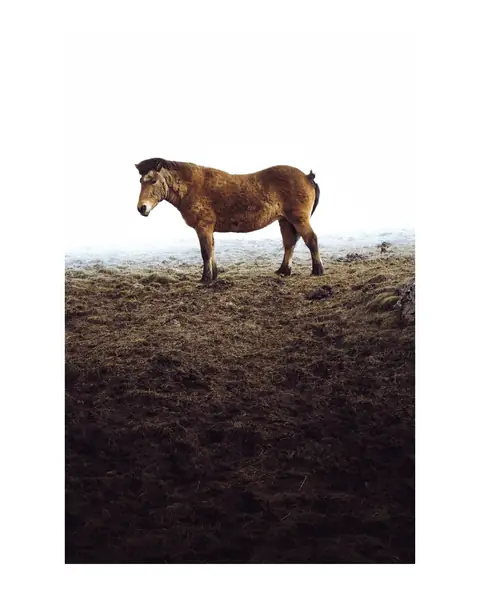
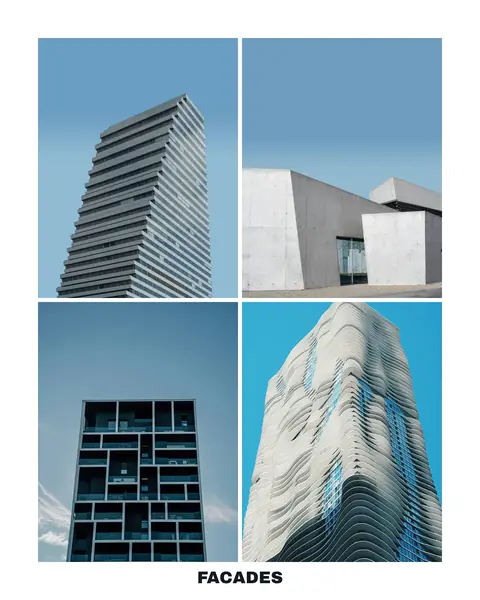
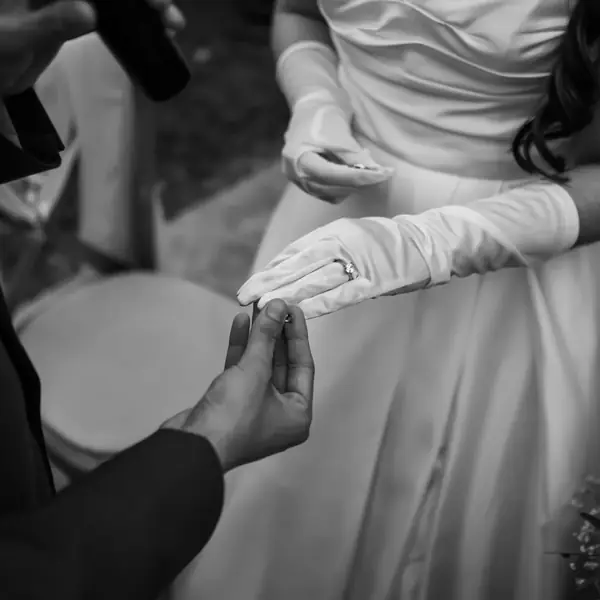
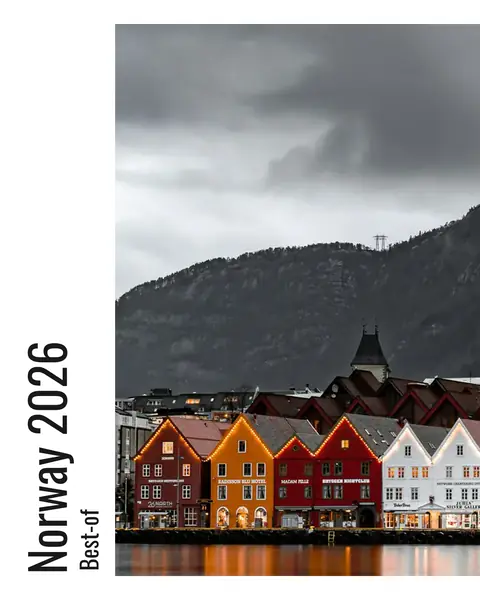
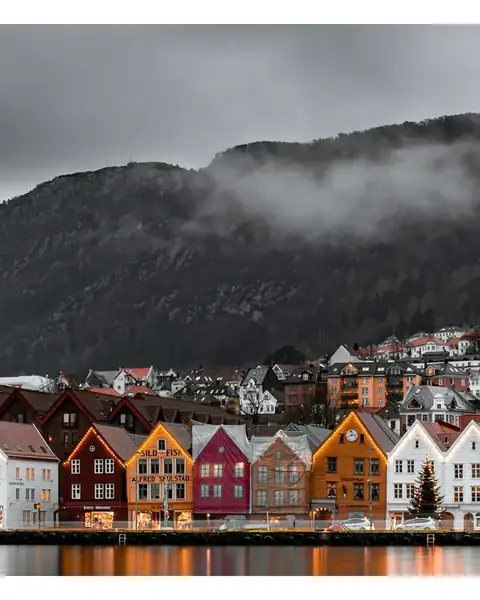
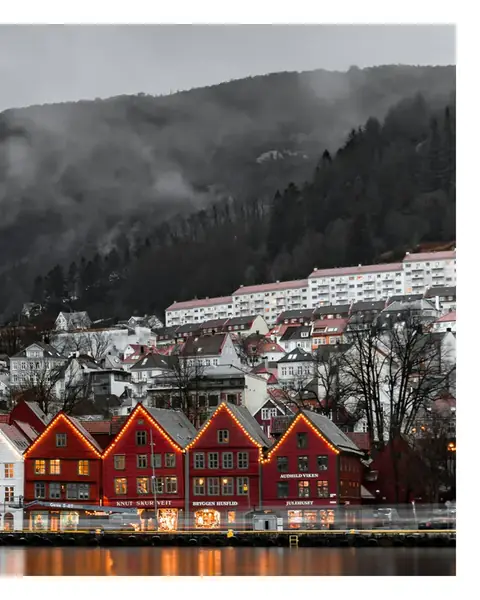
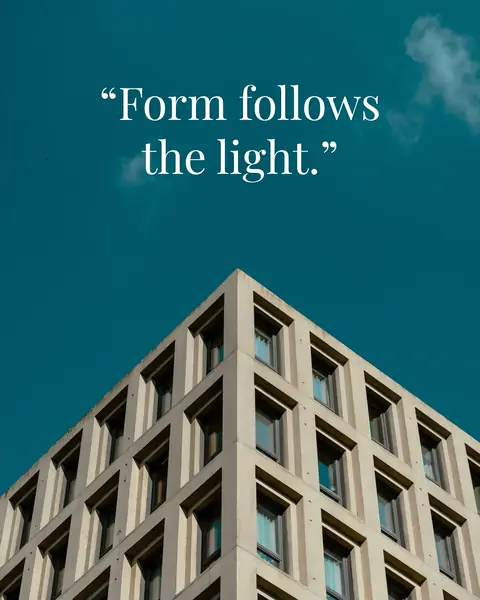
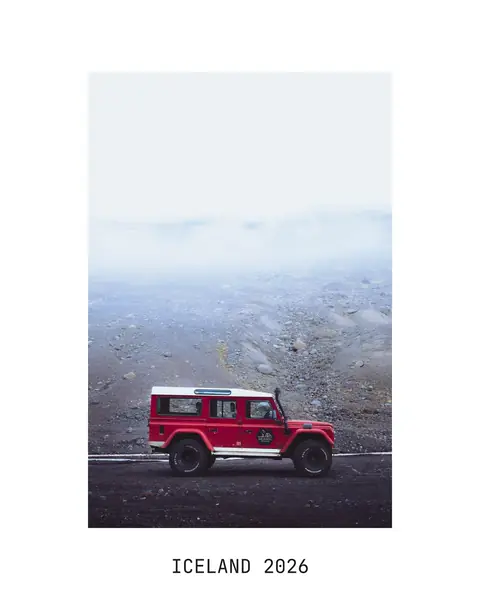
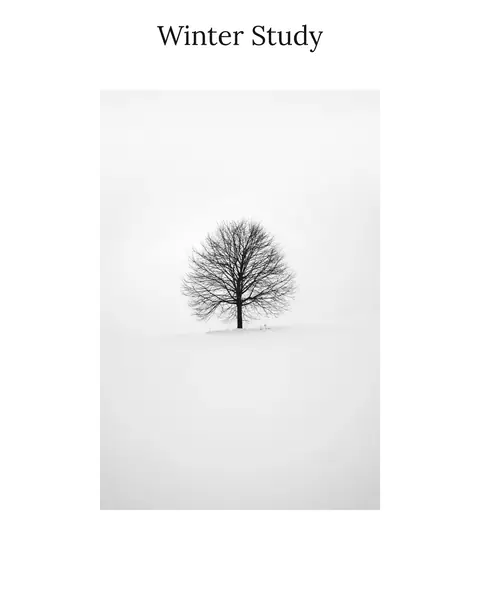
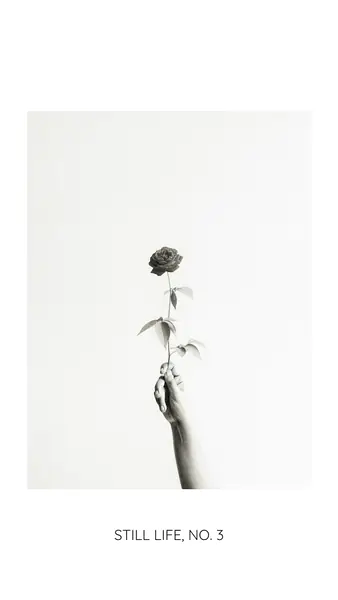
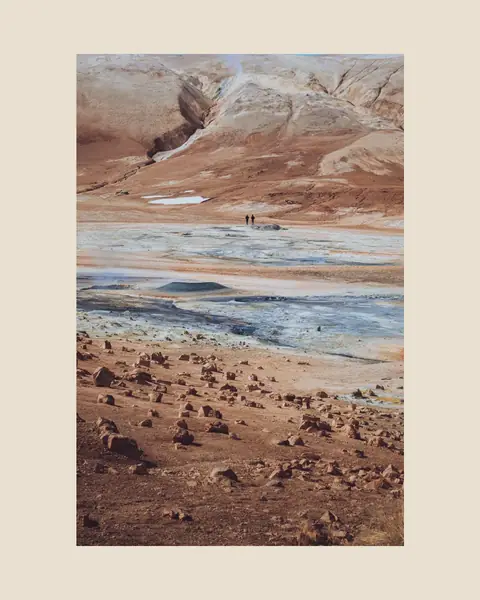
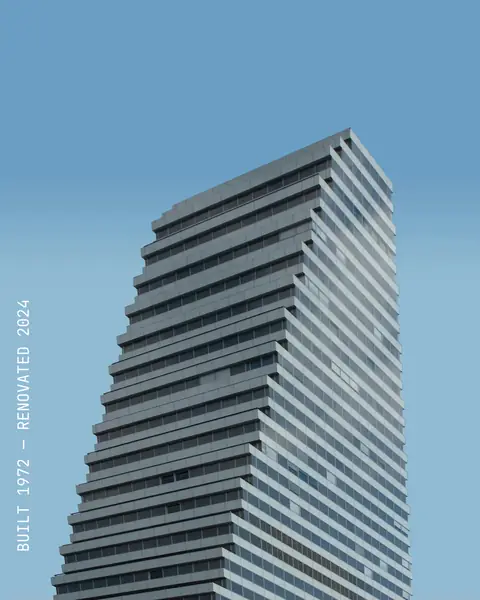
Cropped to a platform’s format, posted whole on a border of your choosing, titled and captioned, split across a carousel, or composed with its neighbours in one slide. Every tile is a real render — not a preset, just a couple of settings moved.