Eight hundred frames from Saturday.Six belong together.
That's a set — a named, ordered group of photos that's yours to keep. Post it as a carousel, run it out as a story series, or just keep feeding it for a year. Published finds the groups; what happens to them is your call.
Architecture — Select
Concrete, glass and light. Seven that belong together.
 Cover
Cover
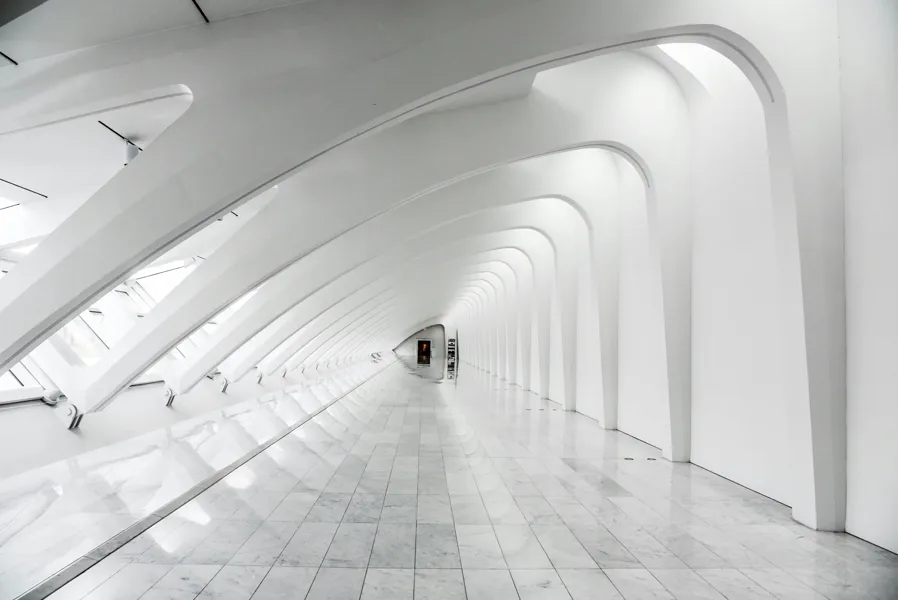
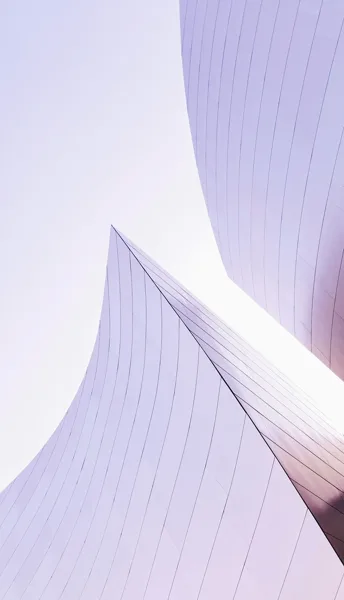
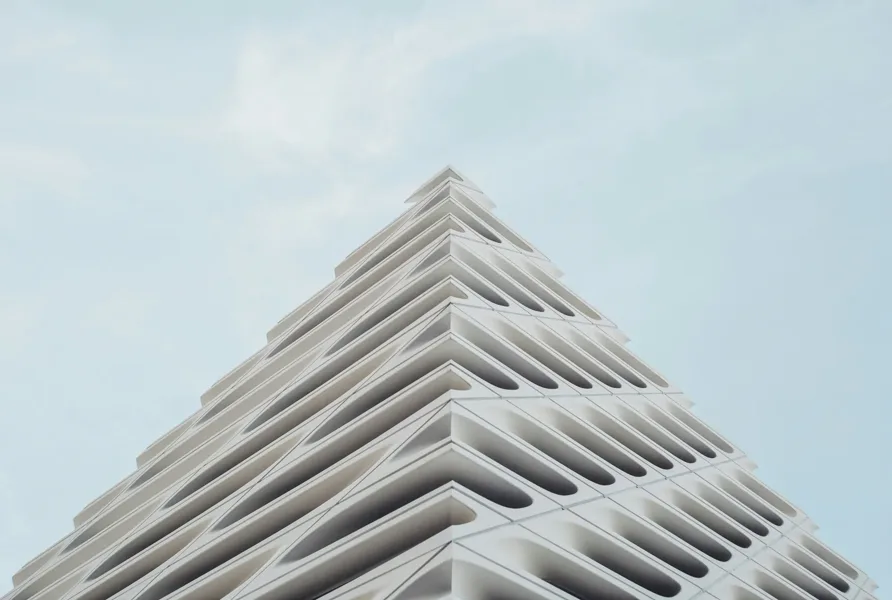
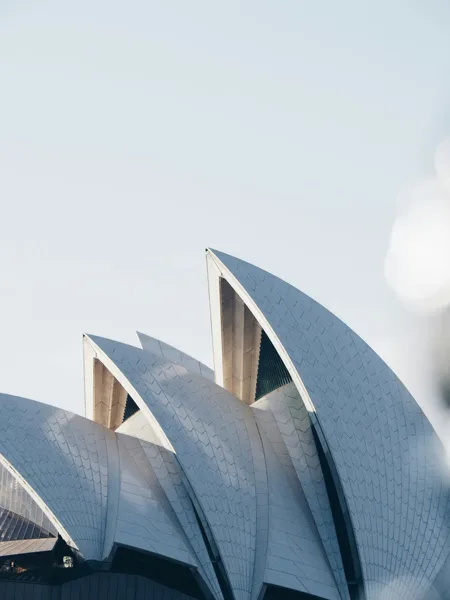













The frames — The photos that belong together, and nothing else.
The order — Drag to reorder. Slide one is the hook, and the set remembers.
The cover — Pin any frame as the cover — the tile that stands for the set in your grid.
No copies — Grouping is metadata. The same photo can sit in three sets at once, and your originals never move.
Some sets become a post. Some become a habit.
Silhouettes. Long shadows. Anything green. Leading lines that run out of the frame. A set doesn’t have to come from one shoot — it can be a standing collection you feed for a year. Every time a frame belongs, you add it, and the collection sharpens. When you want a post, the thinking is already done.
Post it. It's still there.
Building a post from a set doesn't spend it. The set stays exactly as it was — so you can come back in six months, swap two frames for better ones, reorder, and post it again. The set is the negative; every post is a print.
No project required.
A standing set belongs to no shoot. It sits on its own and grows across all of them.
A collection outgrows a post. Good.
Forty silhouettes won't fit in one carousel — Instagram takes ten. So the draft opens with the whole set in it and you drop what isn't going out this time. The collection stays forty; the post is this month's cut of it.
Four ways to fill a set. None of them is scrolling.
- 01
You know the frames.
Multi-select in the library, Add to set. Existing sets are right there in the menu — including the ones that belong to no shoot.
- 02
You know what you mean.
Describe it and search says which frames match — quiet street at dusk, hands, close, warm light. No tagging required.
- 03
You have one, you want the rest.
Point at a frame and ask for more like it. The closest matches come back, ranked, in the filmstrip — drag the ones that belong into the set. This is how a silhouettes collection actually grows.
- 04
You don't know yet.
Hand the selection to Generate Sets and let it propose the throughlines.
Hand it the shoot. Get back a first draft.
Building a set by hand takes thirty seconds. Twenty sets takes an evening. So hand Published the selection instead — it reads what it knows about every frame and comes back with named sets, each with a cover and a reason to exist. Not an answer. A place to start arguing from.
The themes, found for you.
Published looks at the whole take through six lenses and proposes the throughlines it actually finds: facades shot head-on, green-dominant frames, silhouettes against the sky. Type your own themes instead, and it sorts to yours.
- Motif
- Colour
- Form
- Light
- Mood
- Framing
Nothing is saved until you say so. Tick off the sets you want, choose the project they go into, press Create — or regenerate, or throw the whole proposal away. Frames that fit nowhere go to Other, rather than being forced into a set they don’t belong in.
The shoot, whole.
A project is one real thing — a wedding, a trip, a launch. It holds the loose frames, the sets you built from them, and the posts you create from it. Three tabs, one shoot.
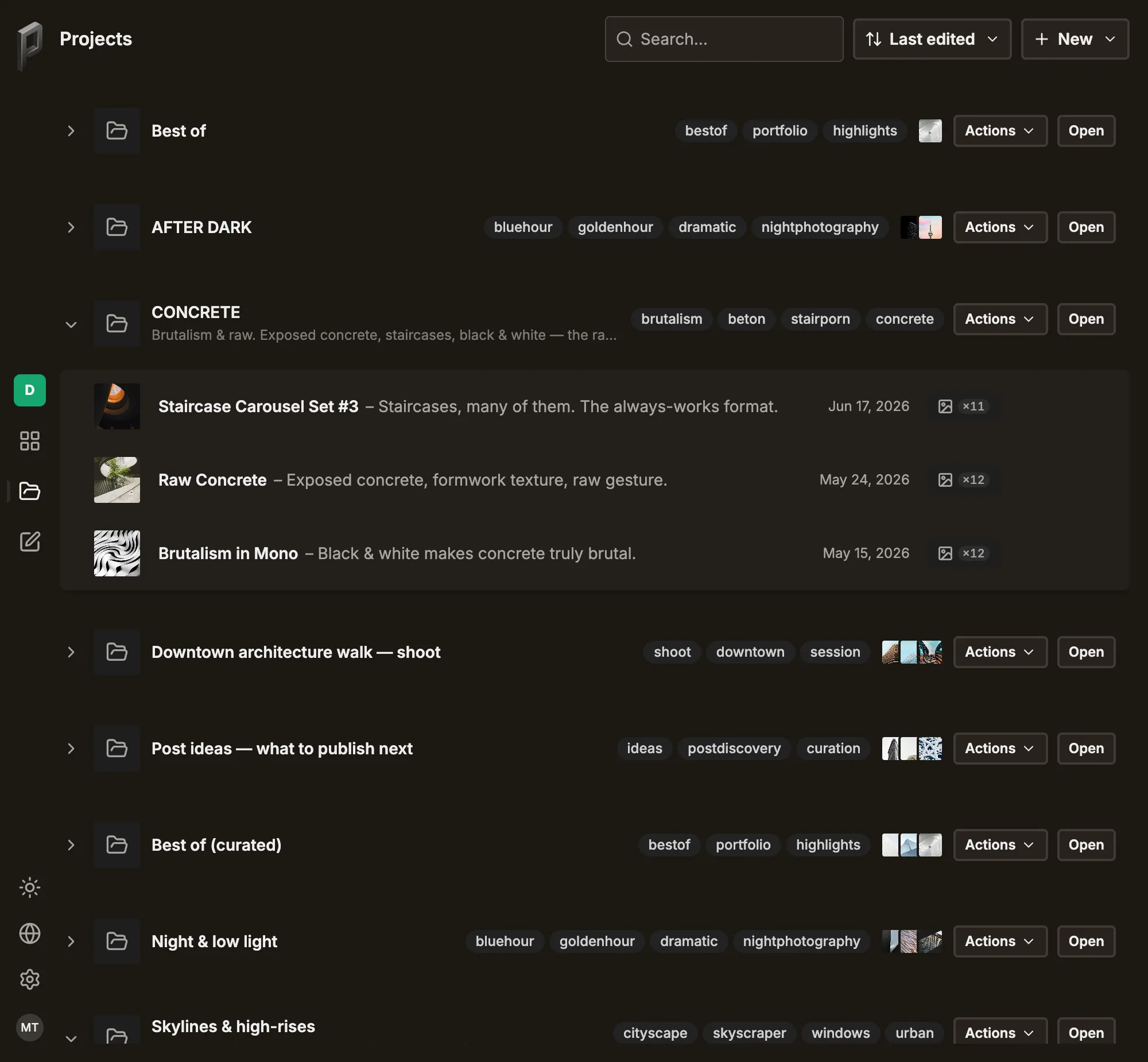
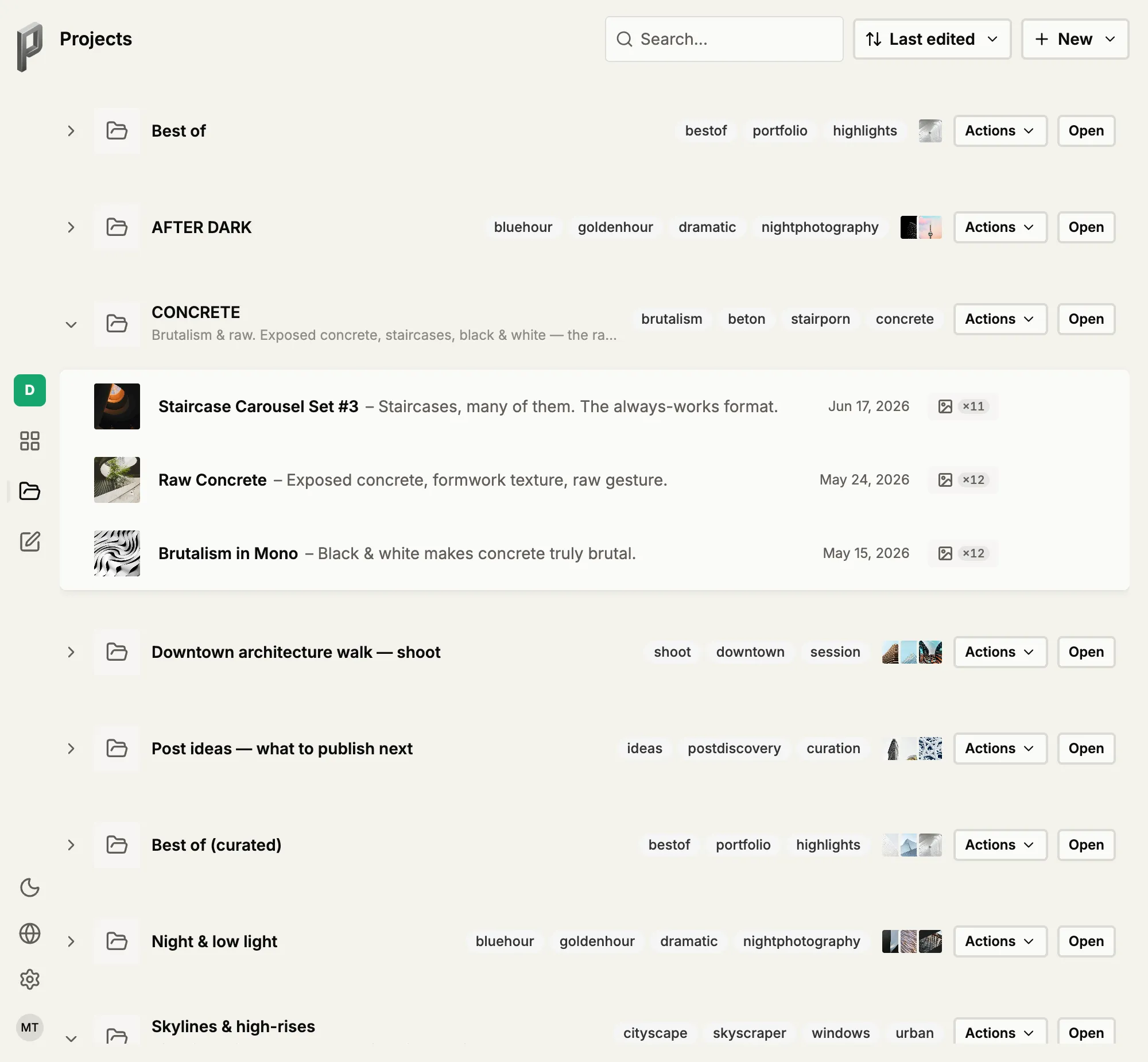
Context the captions can use.
Give a project a place, an occasion and a date, and every caption written inside it knows them. The words come out sounding like that evening in Tuscany — not like a stock caption with your photo attached.
The order is your feed.
Sets in a project have an order, and that order is your grid: each tile is one future post. Drag them into the shape you want before anything goes out.
Or don't use one at all.
A set doesn't need a project. Standing collections live outside every shoot — a project is there for when one shoot gets big.
Group freely. Nothing breaks.
Originals are never touched — Sets and projects are grouping, not copies. Your files stay exactly as they came in.
One photo, many sets — The same frame can appear in three sets without being duplicated once.
Posting doesn't spend a set — Build as many draft posts from it as you like; the set stays.
Delete a set, keep the photos — The frames go back to the library, untouched.
Delete a project, keep the sets — They carry on as standalone sets. Nothing you built is lost.
It proposes. You decide — Every grouping the AI suggests is a proposal you confirm, edit or throw away.
Questions before you group your first shoot.
If yours isn't here, the team replies within a day.
What exactly is a set?
How does a set relate to a project?
Do I need a project before I can make a set?
Can I keep feeding the same set over months?
How many photos can a set hold?
Can a set go out as stories instead of a carousel?
What are the limits per channel?
Does building a post use the set up?
How does Published group my photos into sets?
Does the AI create sets without asking me?
Can the same photo sit in more than one set?
What happens if I delete a set or a project?
A set is the start of the pipeline.
Once your library groups itself, the rest of the week follows from it.
Turn a week of sets into a week of scheduled posts.
Drafts, captions per channel and a queue on your cadence — a whole shoot in one pass.
Read more →Framing & FormatsMake one set fit every platform.
Focal-point crops per format, uncropped letterbox borders, split panoramas — without re-cropping by hand.
Read more →OrganisationFind the frame in the first place.
The folders your photos arrived in, semantic search, look-alikes — the library a set is built from.
Read more →