Lightroom24 selected
→Publish to Published · tags + dates attached
Select · Lightroom
Send from Lightroom
Publish to Published from inside Lightroom. Tags and capture dates come with the photo.
Effortlessly turn a whole shoot into a week of scheduled posts — bring selects from anywhere, group them into sets, and let Published generate, schedule, and roll out drafts on your cadence.
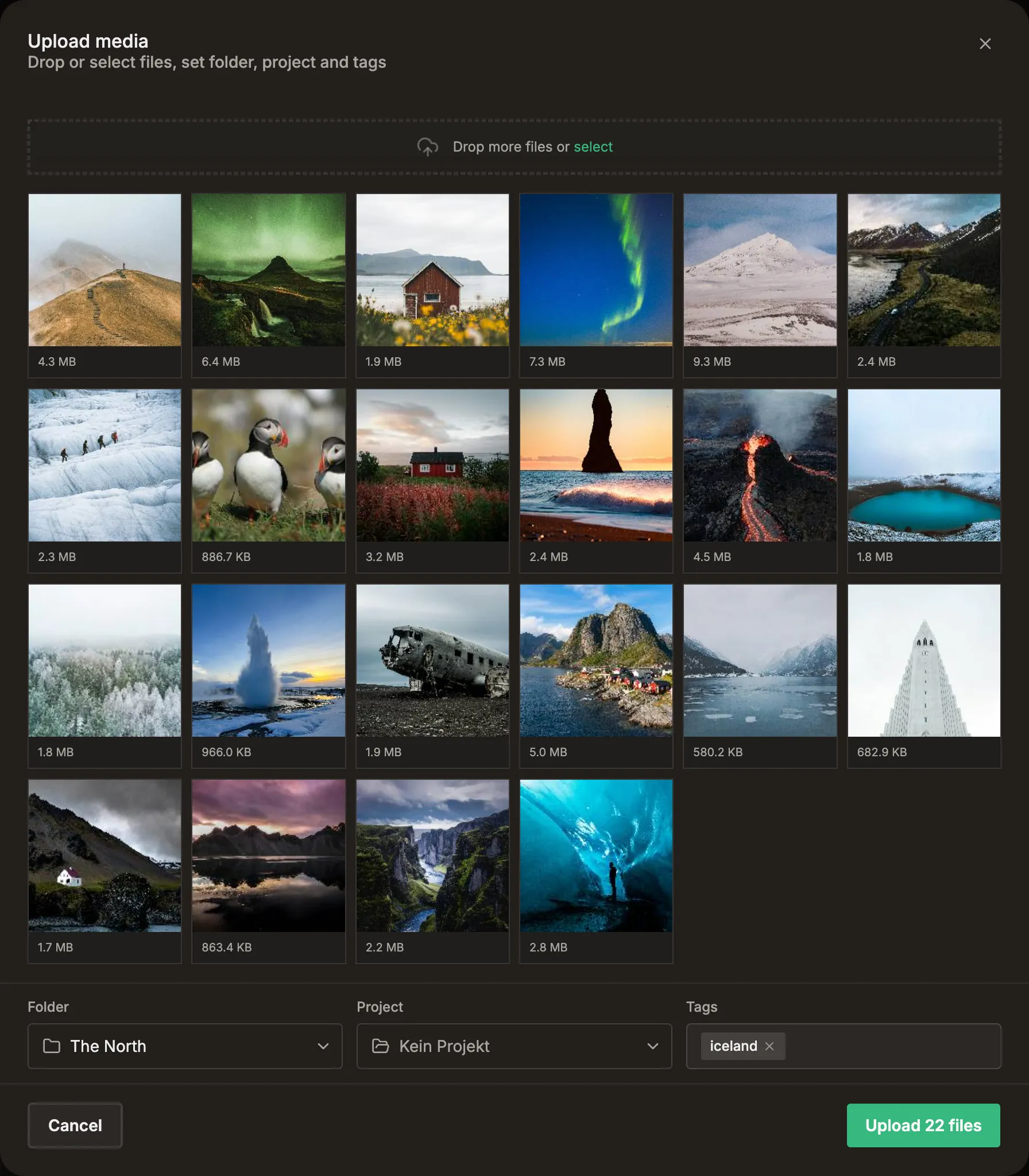
Multi-file web upload straight from the browser. Imports run in the background while you keep working — drop a whole shoot and walk away.
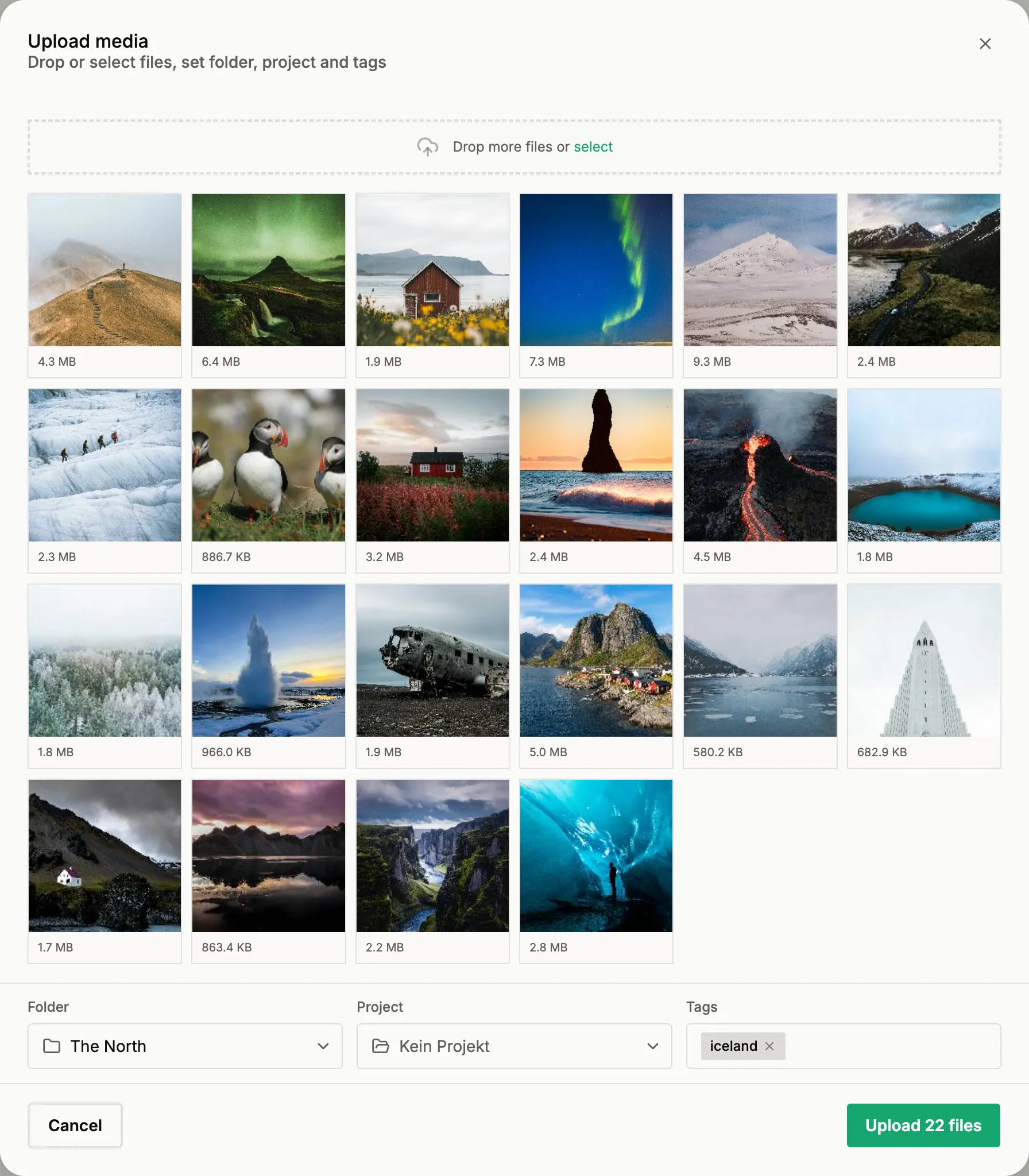

Upload straight from Lightroom Classic — EXIF, tags are synced

Push selected items directly from Eagle to published.social
A finished shoot is hundreds of frames with no plan for posting them. Published reads the whole take and groups it into named sets — by color, shape, subject, or theme — so you start with ideas, not a wall of unsorted photos. Each set is ready to post, turning one shoot into weeks of a consistent feed.
Spark new ideas — Published proposes ready-to-post sets to build on
Auto-group — a whole shoot sorted into named, described sets in seconds
Refine & create — keep the sets you want, drop them in a project, post on your schedule
Shooting an event? Timeline mode reads every frame’s capture time and splits the day into phases — getting ready, the ceremony, golden-hour portraits, the party. Drag a boundary to move it, link two phases to merge, or split one in two. Each phase becomes a ready-to-post set.
Grouped by the clock — phases follow the day, from morning prep to the last dance
Yours to adjust — drag boundaries, merge or split, rename any phase
A day, a week of posts — every phase is a set, ready for drafts and captions
Approve the sets and Published writes a draft for each one — a caption in a tone that matches how you write, the right platforms, a slot on your calendar. One shoot becomes a queue to review, not a blank page.
Bring selects from your library, group them into sets, and roll a whole project into drafts — nothing publishes until you approve.
Publish to Published from inside Lightroom. Tags and capture dates come with the photo.
Push selected items to Published with their existing Eagle tags attached.
Multi-select frames in the library and add them to a set — or let AI Generate Sets group the selection for you.
“Golden hour walk-down. The light held for exactly long enough.”
Each selected set becomes a post draft, with an AI caption written per draft in your voice.
Roll out every set inside a project as a draft in one action — folder, sets, drafts, all wired.
Pick a cadence — daily, every couple of days, or weekdays only — and set how many go out per day. The scheduler spreads the queue across the month and picks the posting times, skipping the days your rule rules out. Change the rule and the whole plan re-flows; edit any slot before it goes live.
If yours isn't here, the team replies within a day.
Keep your folders, group selects into sets, and gather them into a project — then batch rolls the whole project into drafts in one action.
Explore organisation →Post generationWhile a batch creates drafts, a caption is written for each one from the photos themselves — in your voice, one per channel. So review is editing, not writing from scratch.
Explore post generation →Lightroom & Eagle pluginsSend selects from Lightroom or Eagle straight into Published with their tags attached — no re-tagging.
Explore the plugins →Framing & FormatsBefore a batch of drafts hits the calendar, framing makes each one platform-ready — focal-point crops per format, uncropped borders, split panoramas, and one look across every carousel.
Explore framing & formats →Bring one shoot. Group it into sets, batch the drafts, and let the scheduler fill the queue.