You spent the evening on the edit.Don't let the crop undo it.
Framing & Formats is the last step between your export and the feed — set the focal point per format, post uncropped with borders, split panoramas into seamless slides, and watch the platform warnings clear while you edit. Your look stays untouched.
Instagram crops your work.You decide how.
Every platform wants a different shape — 4:5 for the Instagram feed, 1:1 on the profile grid, 9:16 for TikTok. Drag the focal point to where the subject lives and watch all three formats follow it at once. The point is stored with the photo, so whichever format you pick, your subject comes along.
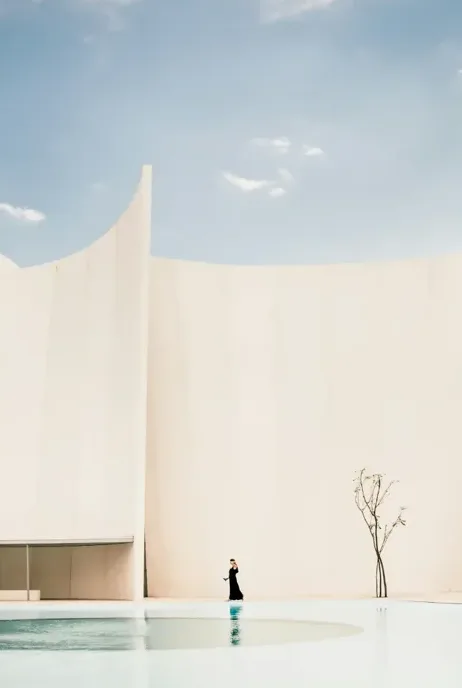
Drag the ring onto the figure — or focus it and use the arrow keys. Each outline is what that format would keep.
One focal point, all three formats at once. In the editor an image carries one output format at a time — the focal point is stored with the photo, so it comes along whichever you pick.
Post it uncropped.
Some frames shouldn't be cropped at all. The Letterbox fit keeps your whole frame inside any output format — a 3:2 landscape sits complete inside a 4:5 post. Padding, border colour, corner radius and zoom are yours; push the photo around until the crop sits right.
the whole frame stays in — that's what the border wraps.
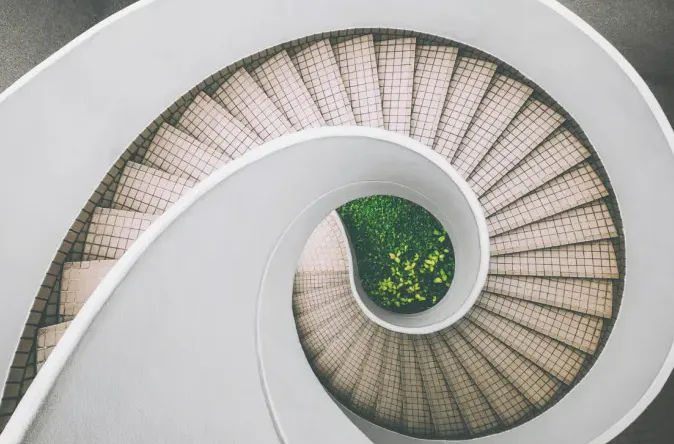
The whole frame is in — nothing to pan. Zoom past 100 %, or give the inner image a ratio of its own, and the photo becomes draggable.
Split it, group it,title it.
Turn the panorama into seamless carousel panels, gather the detail shots into one composed layout, and open the set with a colour title card in your brand. Three clicks, and a shoot is a carousel — swipe it before anyone else does.
 one wide frame
Loose frames,one composed slide.
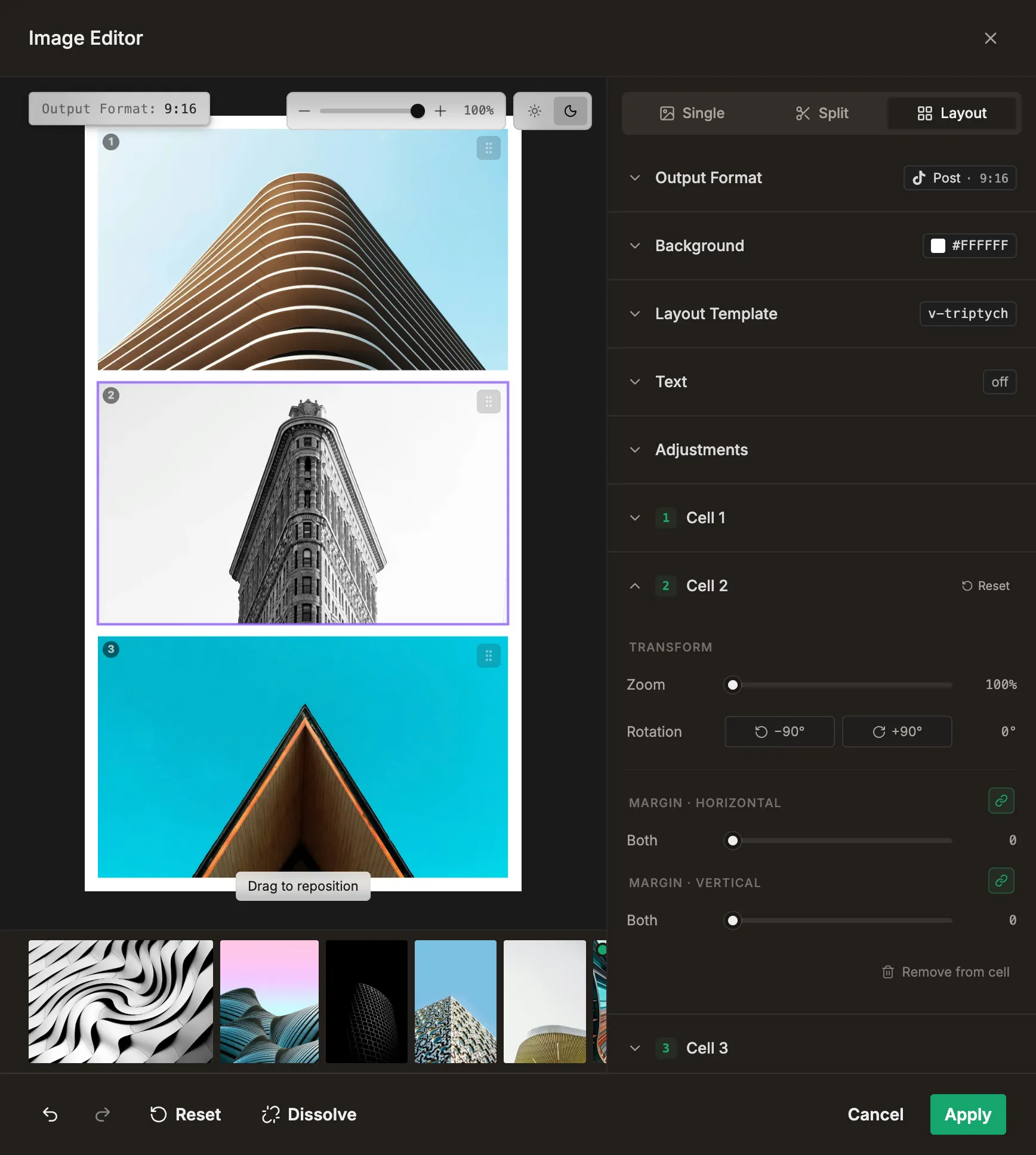
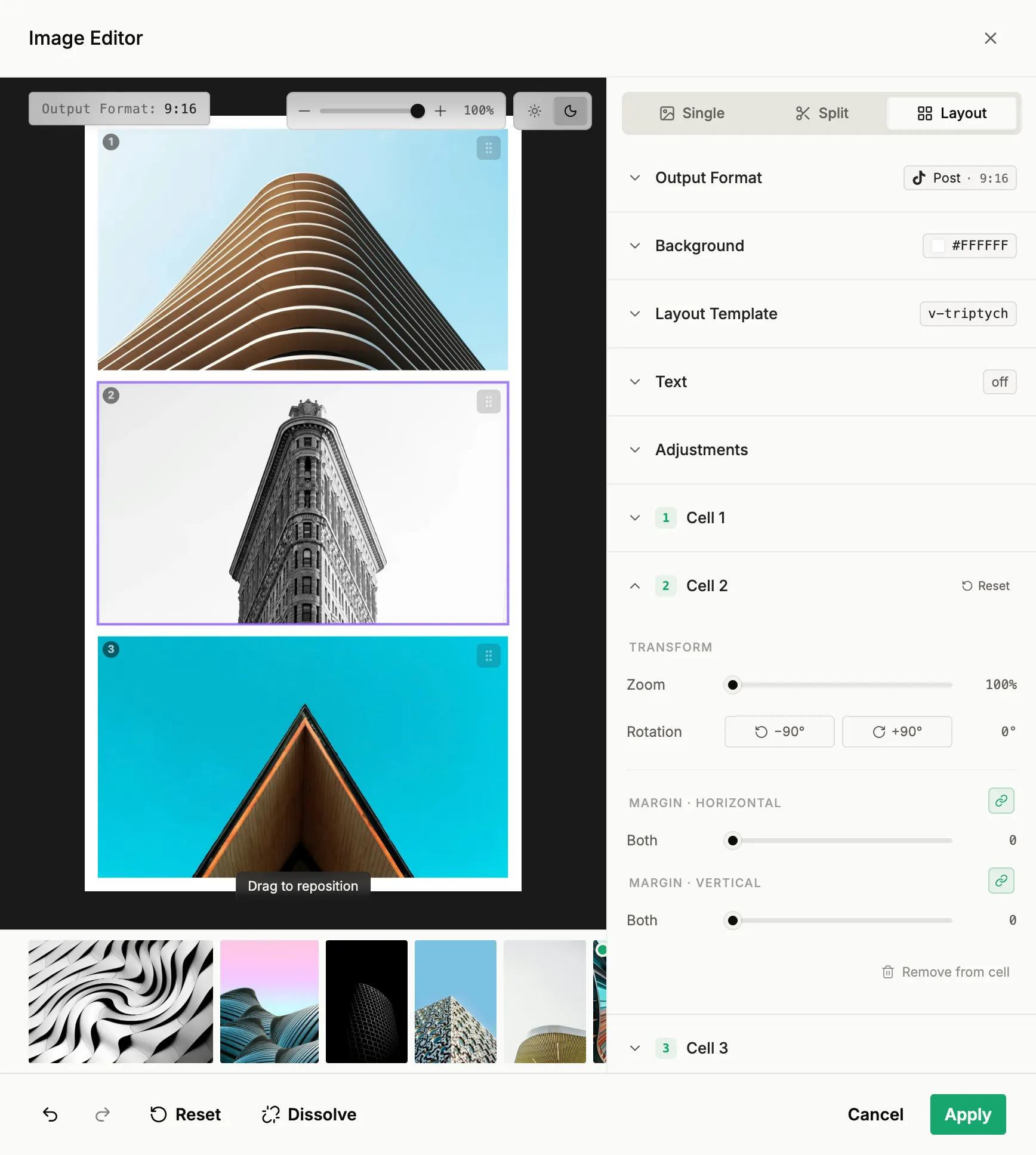
A triptych of vertical thirds, a hero with two beside it, a 2×2 grid — pick a template and your photos drop into its cells. Gap, padding and background are yours; the composition holds together instead of arriving as a pile of separate posts.
3 photos · one slide. Templates come from the editor itself — the thumbnails are drawn from the very cells the post is built with.

Gap and padding are what turn loose frames into one composed slide — the background shows through both.
One look across thewhole carousel.
Mixed aspect ratios break a carousel — and usually you find out after posting. Here the editor tells you while you edit: a live hint flags what doesn't match, and batch apply puts one format, one background, one corner radius on every slide in a single pass. The warning is gone before the post exists.
3:24:51:1 4:5
4:5 3:2
3:2Instagram carousel: all images should share the same aspect ratio (found 3:2, 4:5, 1:1).
Every niche frames differently.
- Wedding & eventThe sneak-peek carousel: venue panorama split into panels, detail shots in one layout, a title card up front.
- Event & corporateThe hero shot framed for feed and story — one focal point call, both formats sit right.
- Architecture & interiorUncropped frames with borders — straight verticals stay straight, a set per building.
- Portrait & productFaces and products stay where you framed them, in every format the platform asks for.
Questions before you frame your first post.
If yours isn't here, the team replies within a day.
Does it replace Lightroom or my editing workflow?
What happens to my original files?
Which formats and platforms are supported?
Can I post a photo without cropping it?
What is a split carousel?
Can I combine several photos in one slide?
Can I add text or a title card?
How do the live platform checks work?
Better with the rest of Published.
Framed and formatted — now roll it out
Batch turns your sets into captioned draft posts and fills the calendar on your cadence. Framing makes sure every one of those posts arrives in the right shape.
Explore batch →OrganisationFraming works on what you organised
Folders, sets and projects keep a whole shoot in order — so the carousel you frame here is already grouped, named and ready to become a post.
Explore organisation →